

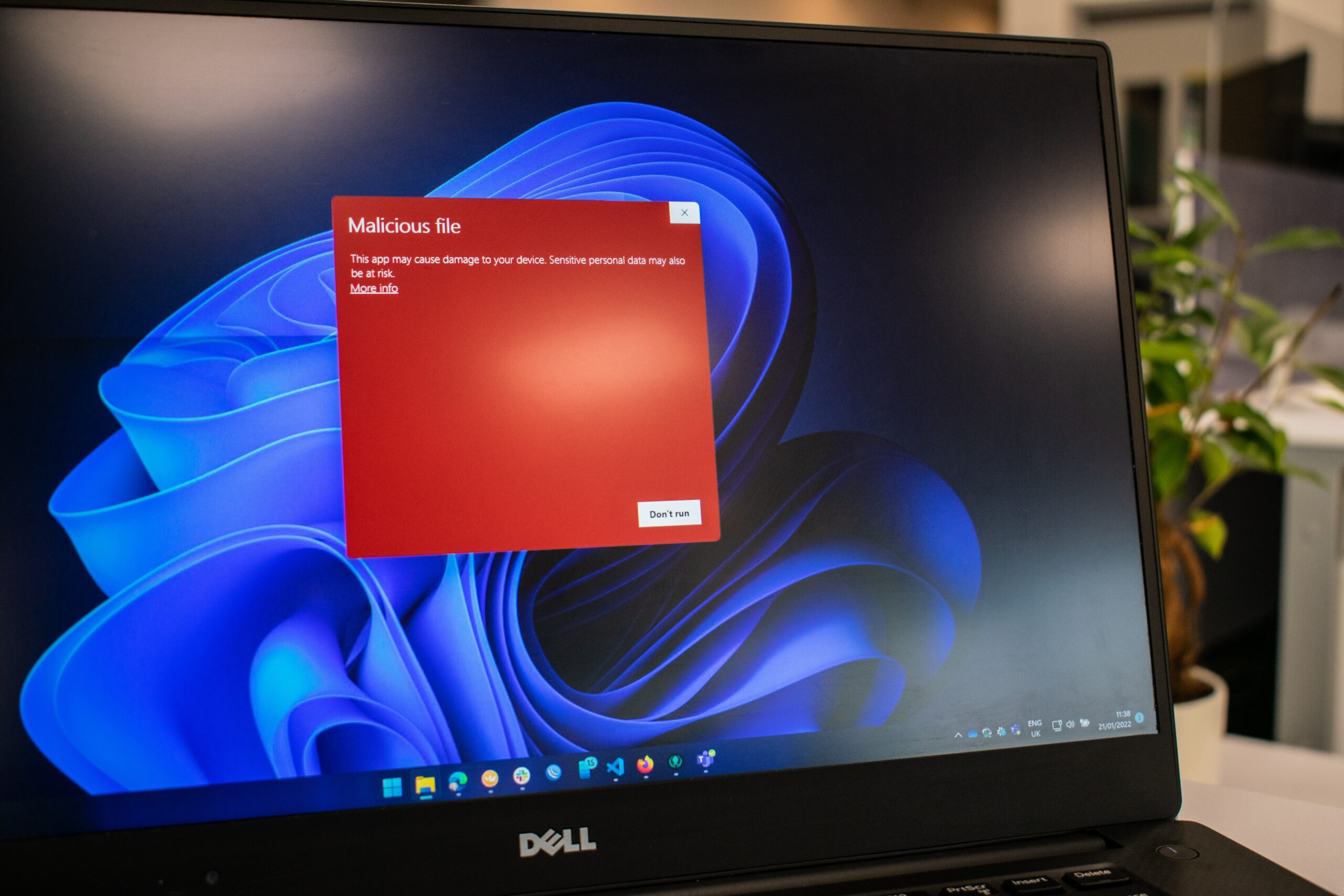
Welcome to our blog, where we dive deep into the world of cybersecurity and reveal the hidden threats that lurk beneath the surface. Today, we shine a spotlight on one of the most common and dangerous culprits: malware. It’s a term you’ve probably heard before, but do you truly understand what it means? Join us as we unveil the dangers of malware and arm you with the knowledge to stay protected in this digital era. So grab your virtual detective hat and let’s embark on this exciting journey together!
What is malware?
Malware, short for malicious software, is a broad term used to describe any software or program that is designed with malicious intent. It encompasses a wide range of digital threats and can take various forms. From viruses and worms to Trojan horses and ransomware, malware comes in all shapes and sizes.
Viruses are perhaps the most well-known type of malware. They attach themselves to legitimate files or programs and replicate themselves by infecting other files on your computer. Worms, on the other hand, are standalone programs that spread across networks without needing to attach themselves to another file.
Trojan horses disguise themselves as harmless software but once downloaded or executed, they unleash their destructive payload. Ransomware encrypts your files or locks you out of your device until you pay a ransom.
These types of malware can wreak havoc on your computer system by causing data loss, stealing sensitive information like passwords and credit card details, slowing down performance, crashing applications, or even rendering your entire system useless.
Protecting yourself from malware requires a multi-layered approach. Installing reputable antivirus software like Norton is crucial as it helps detect and remove malware before it causes harm. Keeping your operating system up-to-date with the latest security patches is equally important as it helps close vulnerabilities that cybercriminals may exploit.
Avoid clicking on suspicious links or downloading files from untrusted sources as these often serve as entry points for malware infections. Regularly backing up important files ensures you have copies in case they become compromised by malware attacks.
By staying vigilant and practicing safe browsing habits, you can significantly reduce the risk of falling victim to these digital predators known as malware. Remember: prevention is always better than cure when it comes to protecting yourself online!

What are the different types of malware?
Malware, short for malicious software, comes in various forms with the sole purpose of wreaking havoc on your computer or mobile device. Each type of malware is unique in its method of attack and potential damage it can cause.
One common type of malware is a virus. Just like a biological virus spreads from one host to another, a computer virus replicates itself and infects other files or programs on your system. This can lead to data loss, system crashes, and even complete hardware failure.
Another dangerous form of malware is ransomware. This insidious software encrypts your files and demands a ransom payment in exchange for their release. Falling victim to ransomware can result in significant financial losses as well as the loss of irreplaceable personal or business data.
Trojans are yet another type of malware that disguise themselves as legitimate software or files but carry hidden malicious code within them. Once installed on your device, Trojans can steal sensitive information like passwords, credit card details, and even control your computer remotely.
Spyware is designed to secretly monitor your online activities without your knowledge or consent. It collects personal information such as browsing habits, login credentials, and credit card numbers which can then be sold to third parties for illicit purposes.
Adware may not seem as harmful compared to other types of malware but it still poses risks by bombarding you with unwanted advertisements and potentially redirecting you towards unsafe websites.
Protecting yourself from these different types of malware requires staying vigilant online by avoiding suspicious downloads or clicking on unknown links. Regularly updating antivirus software along with firewalls provides an additional layer of defense against potential threats.
How does malware damage your computer?
Malware, short for malicious software, is a digital threat that can wreak havoc on your computer. It comes in various forms and can cause significant damage if not dealt with promptly.
One way malware damages your computer is by stealing sensitive information such as bank account details or personal login credentials. This can lead to identity theft or financial loss. Additionally, some types of malware have the ability to encrypt your files and hold them hostage until you pay a ransom.
Malware can also slow down your computer’s performance by consuming system resources and running unwanted processes in the background. Your device may become sluggish and unresponsive, making it frustrating to use.
Another danger of malware is its potential to corrupt or delete important files on your computer. Imagine losing precious family photos or critical work documents due to a malicious program!
Furthermore, certain types of malware have the capability to exploit vulnerabilities in operating systems or applications, allowing hackers unauthorized access to your machine. They could gain control over your computer remotely and use it for illegal activities without your knowledge.
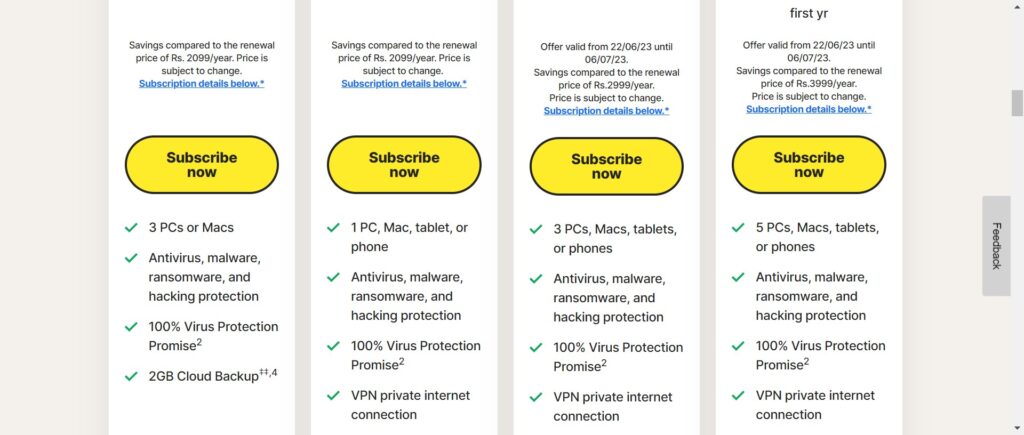
Protecting yourself from these damaging effects requires proactive measures such as installing reputable antivirus software like Norton Security. Regularly updating this software ensures you are protected against the latest threats.
Additionally, practicing safe browsing habits like avoiding suspicious websites or clicking on unknown links goes a long way in preventing malware infections.
Remember, staying vigilant and taking preventive steps will help keep your computer safe from the destructive consequences of malware attacks
How do you protect yourself from malware?
Protecting yourself from malware is crucial in today’s digital world. Here are some proactive steps you can take to safeguard your computer and personal information:
1. Install reputable antivirus software: One of the most effective ways to defend against malware is by using reliable antivirus software like Norton. This will help detect and remove any malicious programs before they can cause harm.
2. Keep your operating system up to date: Regularly updating your operating system ensures that you have the latest security patches and fixes, reducing vulnerabilities that malware could exploit.
3. Be cautious when downloading files or clicking on links: Malware often disguises itself as harmless files or links, so it’s important to exercise caution when downloading anything from unknown sources or clicking on suspicious links in emails or websites.
4. Enable a firewall: A firewall creates a barrier between your computer and the internet, filtering out unwanted traffic and potential threats. Make sure your firewall is enabled for an added layer of protection.
5. Use strong passwords: Create strong, unique passwords for all your online accounts, including email, social media, and banking websites. Avoid using easily guessable information such as birthdays or pet names.
6. Enable automatic updates for all software: Besides keeping your operating system updated, ensure that other software applications like web browsers and plugins are set to automatically update as well since outdated software can be targeted by malware.
7. Be vigilant with email attachments: Exercise caution when opening email attachments from unfamiliar senders or unexpected emails with suspicious subject lines – these could contain malware-infected files.
8. Regularly backup important data: In case of a successful malware attack where data may become compromised or encrypted (ransomware), having regular backups stored securely will allow you to restore lost information without paying any ransom demands.
9.
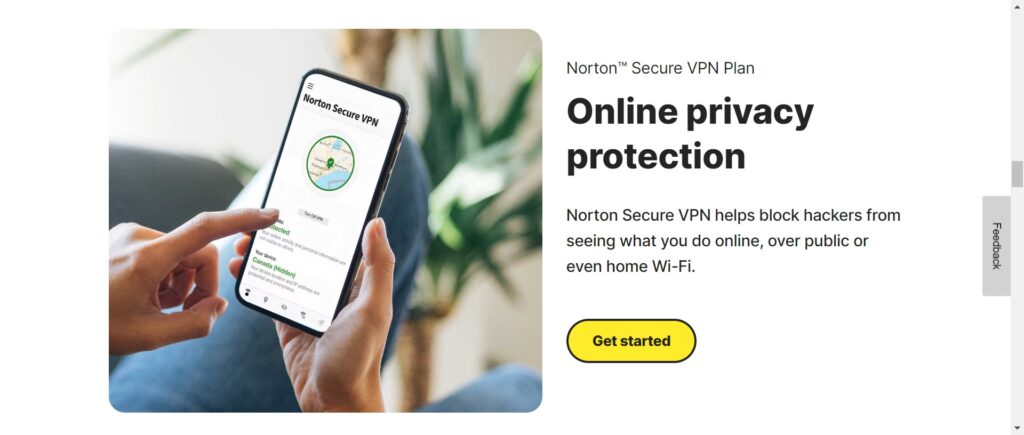
Be wary of public Wi-Fi networks : Public Wi-Fi networks can be breeding grounds for cybercriminals who target unsuspecting users connected to them; therefore avoid accessing sensitive information or conducting financial transactions on public networks unless you use a reliable VPN