

In today’s digital landscape, visual communication is no longer optional — it is essential. Businesses, educators, marketers, and independent creators rely heavily on video tutorials, software demos, onboarding guides, and online training materials. This is where TechSmith has carved out a strong reputation. By offering accessible yet powerful screen recording and editing tools, the company enables users to transform complex ideas into easy-to-understand visual content.
Unlike traditional video editing software that can feel overwhelming, TechSmith products are designed with clarity and efficiency in mind. The focus is not only on professional results but also on simplifying the creation process so that anyone can communicate effectively.
The Power of Snagit for Quick Visual Communication
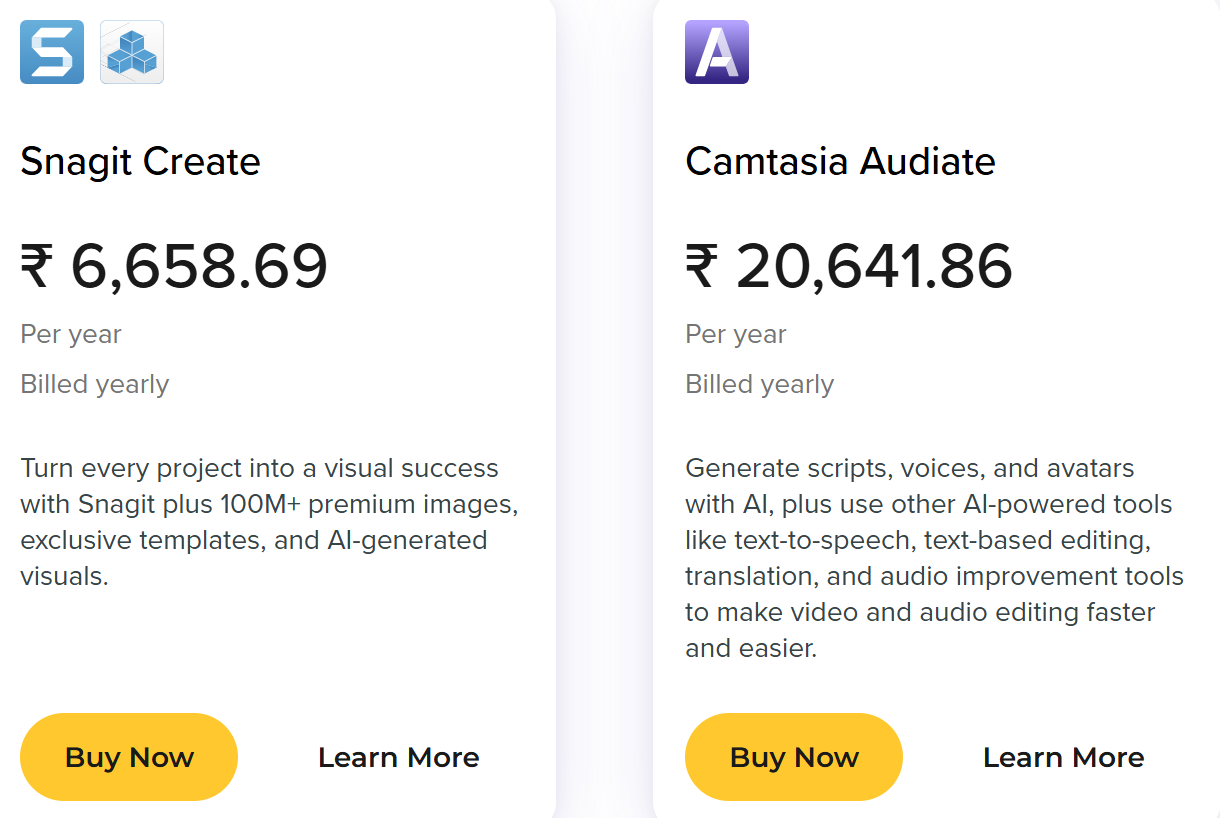
One of the most widely used tools in the TechSmith ecosystem is Snagit. Snagit goes beyond basic screenshots by allowing users to capture scrolling webpages, record short videos, and add annotations instantly. This makes it an invaluable tool for professionals who need to create documentation, presentations, or troubleshooting guides quickly.
With built-in editing features, users can highlight important areas, blur sensitive information, add arrows, and insert explanatory text. These small enhancements significantly improve clarity and reduce misunderstandings in workplace communication.
Snagit is especially useful for customer support teams and IT departments, where visual instructions can solve issues faster than lengthy written explanations.
Camtasia: Simplifying Professional Video Production
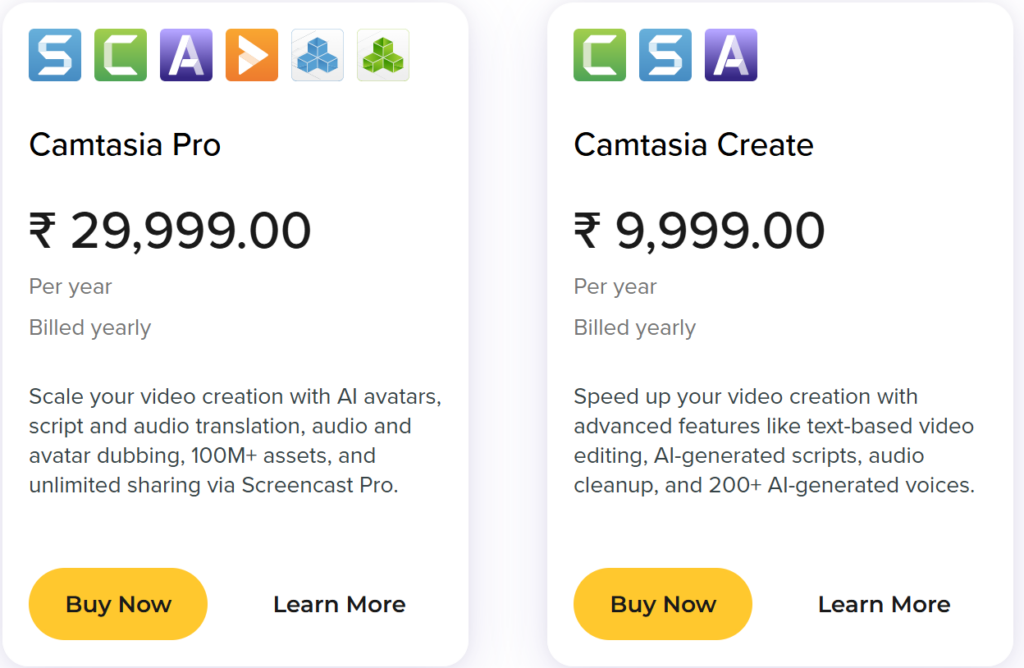
For users who need more advanced capabilities, Camtasia offers a complete screen recording and video editing suite. Camtasia allows creators to record their screen, webcam, microphone, and system audio simultaneously. After recording, users can refine footage with transitions, animations, callouts, and captions.
What makes Camtasia stand out is its balance between power and usability. The drag-and-drop editor enables even beginners to create polished training videos, product demos, or educational courses without requiring advanced editing skills.
Businesses often use Camtasia to produce onboarding videos, internal training modules, and marketing demonstrations. Educators rely on it to create lecture recordings and interactive lessons that students can access anytime.
Enhancing Learning and Corporate Training
Visual learning has proven to be more engaging and effective than text-only instruction. TechSmith tools support this shift by making it easy to create instructional materials that combine visuals, narration, and step-by-step demonstrations.
Corporate trainers use screen recordings to demonstrate software processes clearly. Instead of long manuals, employees can watch concise video walkthroughs that show exactly what to do. This reduces training time and increases knowledge retention.
In educational settings, recorded lessons help students revisit complex topics at their own pace. Teachers can use callouts and zoom effects to emphasize key points, improving comprehension and engagement.
Collaboration and Content Sharing
Modern teams often work remotely or across different locations. TechSmith supports collaboration through sharing and cloud-based workflows that make it easier to distribute content and gather feedback.
Creators can export videos in multiple formats suitable for presentations, websites, or learning management systems. This flexibility ensures that content reaches audiences in the most accessible way possible.
By simplifying both production and distribution, TechSmith tools help organizations maintain consistent communication standards across departments.
AI and Workflow Improvements
As technology evolves, TechSmith continues integrating new features to streamline content creation. Recent updates have introduced smarter editing tools, improved cursor effects, and automated processes that reduce repetitive tasks.
AI-enhanced capabilities assist with faster editing decisions, layout suggestions, and performance optimization. These advancements allow creators to focus more on messaging and storytelling rather than technical adjustments.
Continuous innovation ensures that TechSmith products remain competitive in a market where user expectations are constantly rising.
Why TechSmith Remains a Trusted Brand
With decades of experience in screen capture and video editing, TechSmith has built trust among professionals worldwide. Its products are known for reliability, intuitive interfaces, and strong support resources.
The company’s commitment to helping users communicate visually has positioned it as a leader in the instructional content space. Whether used for internal business communication, online education, marketing, or technical documentation, TechSmith tools consistently deliver professional results without unnecessary complexity.
Final Thoughts on TechSmith Software

As digital communication continues to prioritize video and visuals, having the right tools becomes increasingly important. TechSmith provides solutions that bridge the gap between simplicity and professional quality, enabling individuals and organizations to create impactful content with confidence.
From quick annotated screenshots to full-scale training videos, TechSmith’s ecosystem supports modern content creators at every level. For anyone looking to improve clarity, efficiency, and engagement in digital communication, TechSmith remains a powerful and dependable choice.